
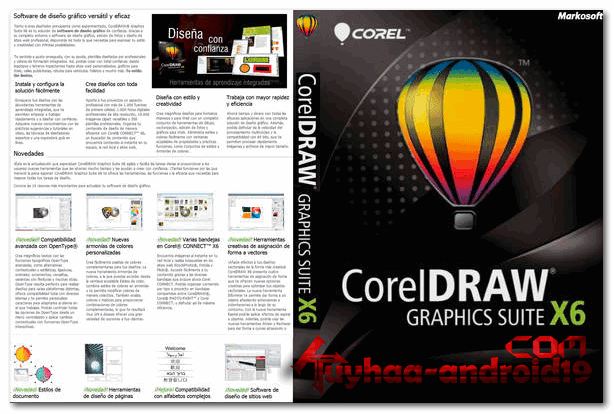
corelDRAW Graphic Suite X6 Full merupakan program desain grafis berbasis vektor dari corel yang sangat terkenal. Buat pencinta design graphic tentu sudah tidak asing lagi dengan namanya corelDRAW X6 16.4.0.1280 , yah.. software berbasis VEKTOR ini sangat cocok untuk sobat pembuat desgin undangan, banner, gambar dan masih banyak lagi tentang seni yang sobat bisa gunakan menggunakan software ini.. nah buat sobat yang berminat cekidot lah.
System requirements:
- operating system:
- Microsoft® Windows® 7/8 (32/64), Windows Vista® (32/64), Windows® XP SP3 (32 )
- Minimum configuration:
- Intel® Pentium® 4, AMD Athlon™ 64, or AMD Opteron™
- 1 GB RAM
- 1.5 GB free hard disk space (for typical installation without content; additional disk space required during installation)
- Mouse or tablet
- Resolution screen: 1024×768
Some features of the program:
- Modernized user interface
- Ability to exchange ideas with colleagues and clients in real time
- An advanced and powerful solution for converting bitmap to
- vector graphics
- Ensuring maximum color matching in Corel and Microsoft applications
- Ensuring Color Matching in Corel and Adobe Applications
- Improved integration with Windows Vista
- Redesigned “Create from Template” dialog box
- 80 professional templates
- New, editable content
- Accelerated process of layout and text editing
- Real-time text formatting
- Mirroring paragraph text
- Support for RAW files
- Straightening images
- Information in the form of histograms
- Improved Color Curve Dialog Box
- Ready page sizes
Package Content
- CorelDRAW X6 is a handy application for creating vector graphics and page layouts
- Corel PHOTO-PAINT X6 – professional image editing application
- Corel PowerTRACE X6 – tool for accurate tracing of bitmaps to vector graphics
- Corel CAPTURE X6 – screen capture tool
- Corel CONNECT X6 – instant content search tool
- PhotoZoom Pro 2 is a handy module connected to PHOTO-PAINT for enlarging digital images
- ConceptShare – online collaboration tool
Langkah Install
- Download kemudian extract filenya
- lalu install dengan cara double click “Autorun”, pilih install ( jangan yang update )
- tunggu sampai selesai
- done full version ( sudah pre-activated )
- salam luar biasa
jika saat menjalankan corel ada login screen, close dan abaikan saja, tapi jika menggangu, bisa masuk ke directory “C:\Program Files\Corel\CorelDRAW Graphics Suite X6 ” di kolom search ketik: RMPCUNLR , silahkan rename ke RMPCUNLR.BAK atau di hapus semua
- Done
corelDRAW GRAPHIC SUITE X6.16.1.0.843
Size; 2.2 Gb | support 32 bit dan 64 bit
=> corelDRAW Graphic Suite X6 | via PD
=> corelDRAW Graphic Suite X6 | via OD
Penting: Untuk melakukan Update Ke versi Baru di Bawah ini, Versi CorelDraw Sobat harus versi X6.16.1.0.843
UPDATE TO NEW VERSION X6 16.4.0.1280 SP4
- Extract File
- jika sudah selesai, kemudian buka folder “Update to SP4 “
- silahkan install updatenya ( Scroll EULA untuk accept ), lalu next ada tulisan russia
- tunggu sampai selesai
- salam luar biasa
Size : 251 MB
=> UPDATE ONLY TO X6 16.4.0.1280 | via kFile
=> UPDATE ONLY TO X6 16.4.0.1280 | via OD
======= Corel di atas sudah terkativasi, namun jika anda butuh keygen aktivasi, bisa download di bawah
- intruksi, => lihat gambar