

Apa itu Ghost ? Setan ?Weiit, sedikit penjelasan, Ghost kalau dalam info teknologi di bidang komputer merupakan suatu cara untuk melakukan backuping sistem operasi yang kemudian dapat di restorekan ke komputer lain dengan cara yang lebih cepat dari pada install ulang biasa.Pernah melihat orang melakukan installasi sistem operasi ke banyak komputer sekaligus ? Yups, cara yang biasanya mereka lakukan adalah melakukan Ghost terlebih dahulu. Ghost adalah tehnik backup yang digunakan oleh Norton Ghost. Ada lagi tehnik backup lainya, misal menggunakan Acronis.
Tehnik Ghost menggunakan Norton Ghost atau menggunakan Acronis sangat membantu untuk mempercepat installasi komputer.
Nah, Windows XP yang saya bagikan ini adalah Windows XP yang sudah merupakan Ghost. Cara Install ke komputer nya harus menggunakan Norton Ghost. karena Format extention yang diberikan aalah .GHO buka Iso bootable lagi.
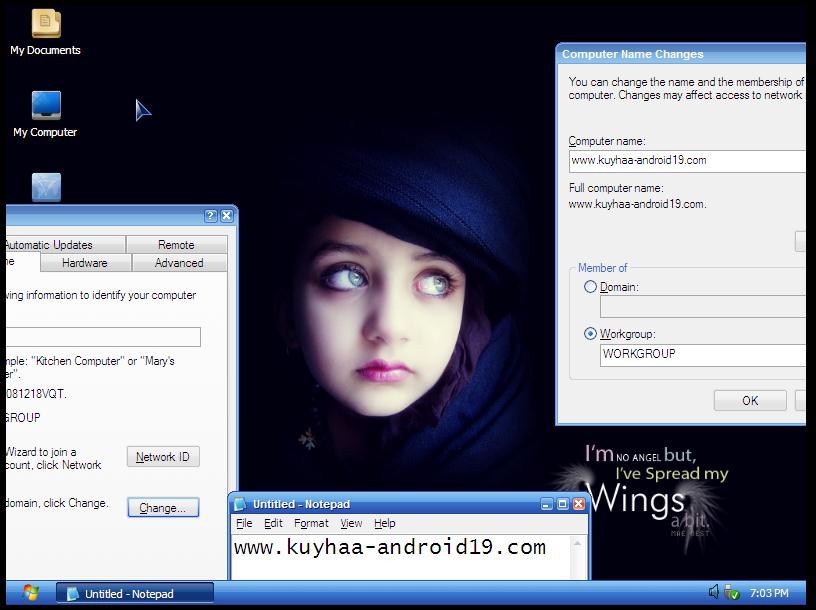
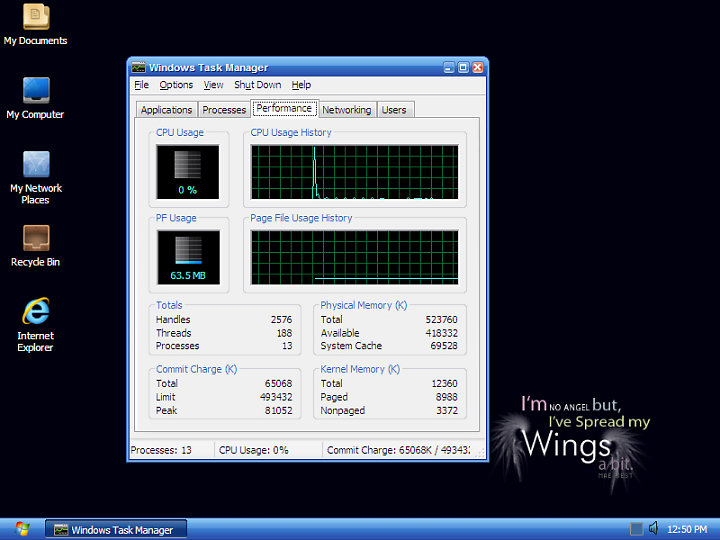
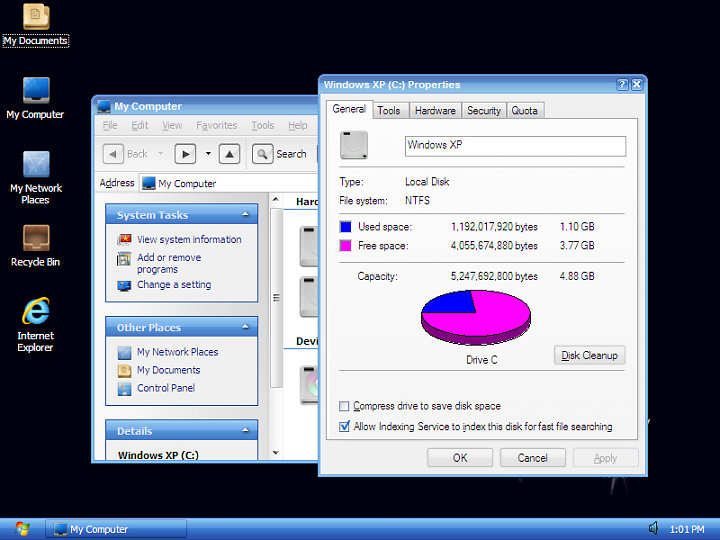
Information about the Ghost:
- Combined registry tweak and refine Services to optimize the system! Helping computers running fast and smooth as possible!
- support newer SATA for Laptop
- Integrated WMP 11 and IE 8now
- Ghost Key uses should be able to update copyright Dr. Sonja station.
- Full Update Tháng 6/2012
- Made from the original Windows XP SP3 Professional
- Support Sata
- DriverPacks BASE 10:06
- 12:03 Mass Storage DriverPack
- Chipset 3.12 DriverPack
- CPU DriverPack 10.05
- 112.02 DriverPack LAN
- DriverPack 112.02 WLAN
- update to May 5-2012 Hotfix Windows
- Internet Explorer 8 & Hotfix
- Hotfix Windows Media Player 11 &
Untuk Melakukan Restore Ghost Ke komputer, dapat menggunakan DLCBoot ataupun HirenBoot CD
=> DLC Boot
=> HirenBoot CD
Langkah Menggunakan nya
- Buat Bootabel USB DLCBoot atau HirenBoots nya
- kemudian Copy Ghost Windows Xp ini ” Ghost Neko XP.Gho ” ke Flashdisk
- Boot FD Dlcboot atau HirenBoot dari komputer
- Kemudian cari program Norton Ghost
- lebih jelas nya bisa browsing di google
=> Cara melakukan restore file GHO ( Ghost )
- enjoy
- salam luar biasa
Size : 499 Mb
=> Ghost Windows Xp Super Ringan | via PD
=> Ghost Windows Xp Super Ringan | via OD